Light on the screen.
A focused overlay that stays responsive while Roblox keeps the full stage.
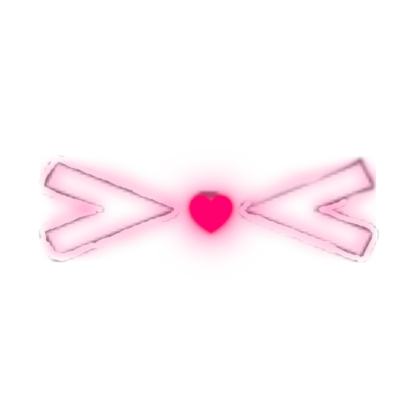
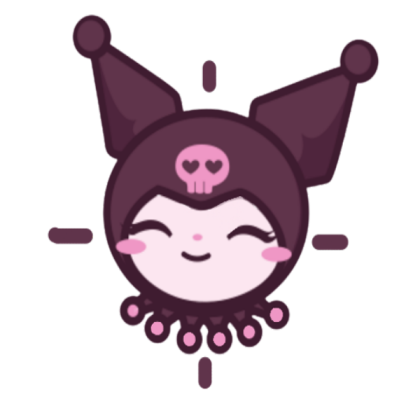
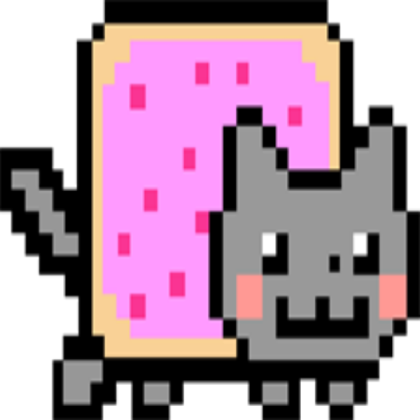
Make your Roblox crosshair part of the look. Pick a cat, heart, bow, or clean glow — then tune it for MM2 and every game you love.
Visual onlyNo automated inputs
22 looksCute to minimal
Your settingsSize · glow · opacity

current lookheart lock
glow86%
RBXAim keeps the useful part simple and gives the visual part room to feel like you.
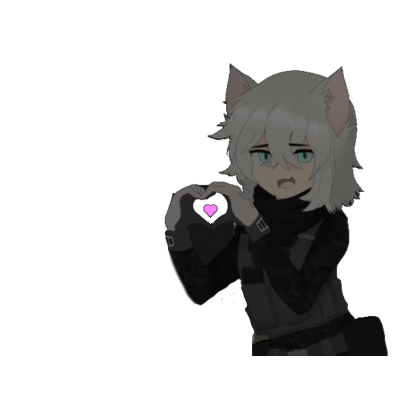
Pixel cats, tiny hearts, bows, paws, anime sidekicks, or a clean monochrome ring. Your favorites stay recognizable without taking over the game.
See all 22 looksA focused overlay that stays responsive while Roblox keeps the full stage.
No automated aiming, movement, inputs, or game-file changes.
Adjust size, opacity, contrast, and glow until the mark feels right.
A sweet detail for the avatar you spent time making. Go soft, romantic, or clean — and change it whenever the mood does.
Open the lookbookClick any look in the photo strip to bring it into the mirror.
The extension files already sit at the root of the ZIP. Open Extensions, enable Developer mode, and drag the downloaded ZIP onto the page.
Download the ready ZIPSave RBXAim-Extension.zip. All extension files are already at its root.
Paste chrome://extensions into Chrome’s address bar.
Use the toggle in the upper-right corner of the Extensions page.
Drag RBXAim-Extension.zip into the Extensions page.
Pin RBXAim, choose your crosshair, then open Roblox or MM2.
No unpacking needed: the extension files are already at the root of the downloaded ZIP. Drag that ZIP directly onto the Extensions page.
Small messages from Roblox and MM2 players who found their look.
“works good thanks!!”
@Yumiwolf31Roblox player · five stars
“loaded first try,
the cute ones are so good”
@hatediarysRoblox player · five stars
“using the pink heart
one rn lol”
@CracksWack125MM2 player · five stars
“simple and it does
what i wanted”
@strungbylightRoblox player · five stars
Download startedNext: drag the ZIP into your Extensions page.